
Cricket 99 ID
A Cricket 99 ID is your User Name and Password for the Cricket99 panel. You get a new one from the WhatsApp ID desk after a KYC check and a first deposit.
Start with one WhatsApp message saying you need a new Cricket99 ID; the desk answers 24×7 and issues most IDs within minutes.
Start a Cricket99 ID on WhatsAppWho can get a Cricket99 ID
An ID is for one adult over 18, in that person’s own name, and the desk completes a KYC check before issuing it. The account holder remains responsible for the rules that apply where they live, as the terms and conditions set out.
- New to Cricket99: message the desk and follow the register steps below.
- Already have an ID from this desk: no new ID is needed; ask the desk for your login address or a reset.
- ID from another agent: that agent manages it, so ask there first; the desk can tell you whether it can help.
Cricket99 register: how a new ID is issued
There is no public registration form; registration is a conversation with the desk, and it follows these six steps as of September 2026.
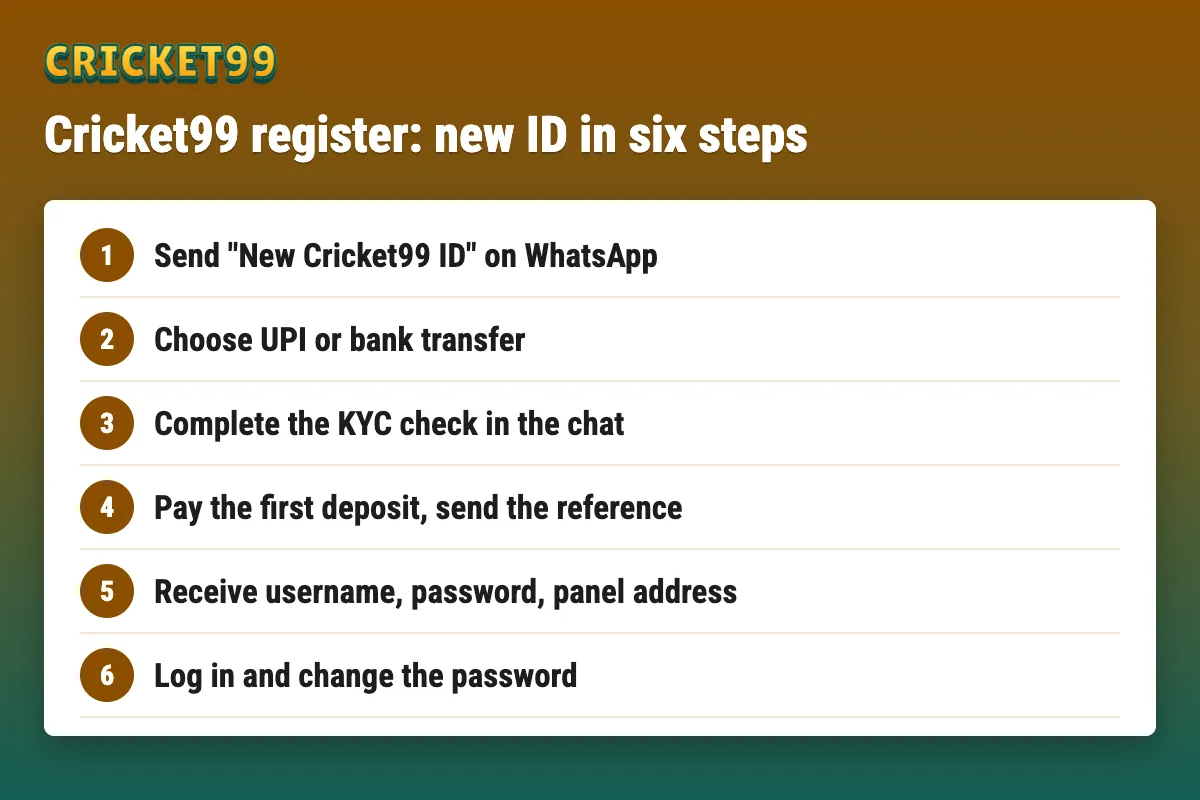
- Tap the WhatsApp button and send a short message such as New Cricket99 ID.
- Say whether you already hold any Cricket99 ID, and which payment method you prefer.
- Complete the KYC check the desk asks for, sharing documents only inside that chat.
- Pay the first deposit to the payment details the desk sends, then send the transaction reference (UTR) in the chat.
- Receive your User Name, Password and the current panel address in the same chat.
- Log in and change the password at the prompt.
New IDs are usually issued within minutes, and the desk answers 24×7; replies can take a little longer when many users message just before a big match. The KYC step also waits on you sending what the desk asks for. If you want the ID ready for India’s matches in New Zealand from 22 October, where start times fall early in the Indian day, start the chat a day ahead rather than an hour before play.
Register for Cricket99 on WhatsAppWhat to send in the first message
A clear first message saves a round of questions.
- That you need a new Cricket99 ID.
- Whether you already have a Cricket99 ID, and from which agent.
- Your preferred payment method, for example UPI or bank transfer.
- Any question about the minimum deposit or payout time, which the desk answers before you pay.
KYC for a Cricket99 ID
The desk completes a KYC check before issuing an ID and tells you in the chat what it needs. Share documents only inside that WhatsApp chat, never in a web form, a group or with someone who contacts you first, and never share an OTP or UPI PIN as part of KYC.
After the Cricket99 ID arrives
The chat with your ID holds three things to keep: the User Name, the Password and the current panel address.
- Log in on the address from the chat; the Cricket99 login page covers each step and the first login password change.
- Decide between the browser and the app; the Cricket99 app page explains the APK, the browser route and Play Protect warnings.
- If the desk sends a Club or Green address, check it with the Cricket99 login guide before typing the password.
- Try a small first withdrawal before any large deposit.
What a Cricket99 ID includes
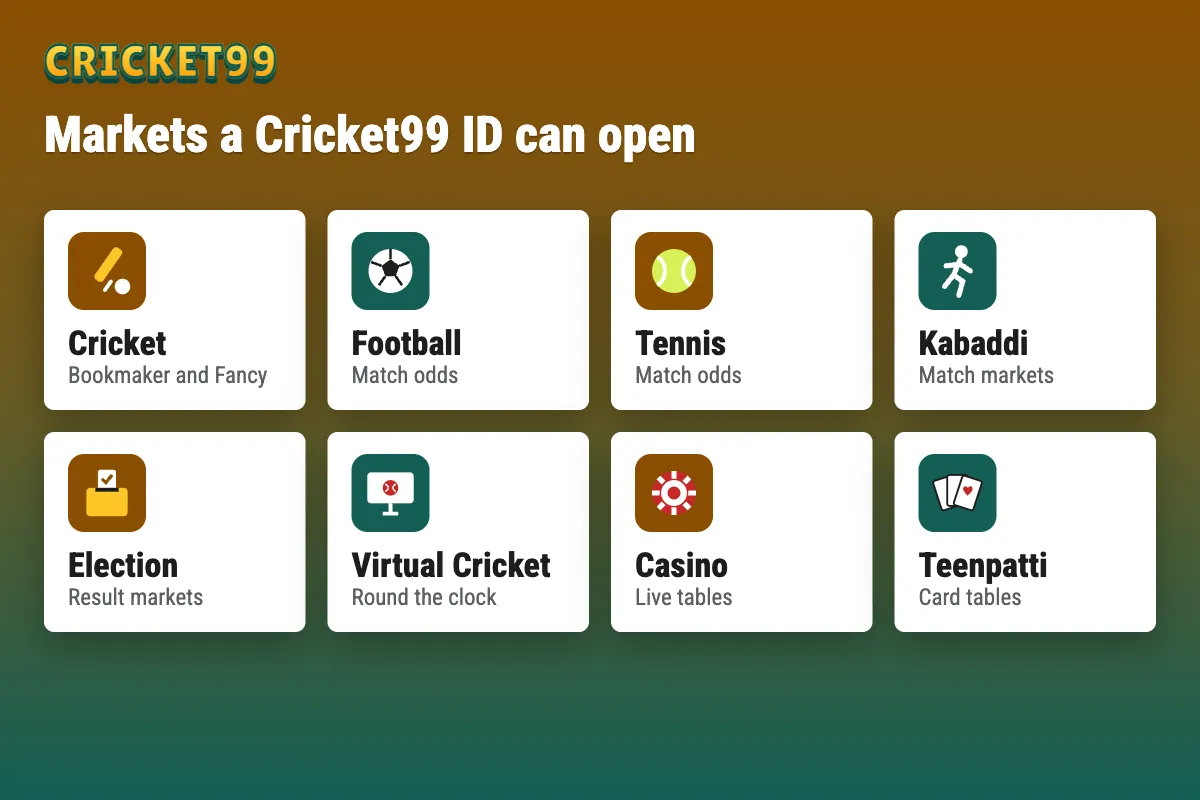
One ID carries one balance across the panel’s sections, and the rule is one ID per person. Market menus named on the panel include cricket, football, tennis, kabaddi, election and virtual cricket, along with casino tables such as Teenpatti; the exact list depends on the panel and the ID.
The account menu holds Change Password, Change Button Values for stake presets, and Rules, which explains how Bookmaker and Fancy markets settle.
Cricket99 deposit
The tested panel had no payment page, so deposits are arranged in the WhatsApp chat. The desk sends payment details for the method chosen and credits the balance once the transfer is matched to its reference.
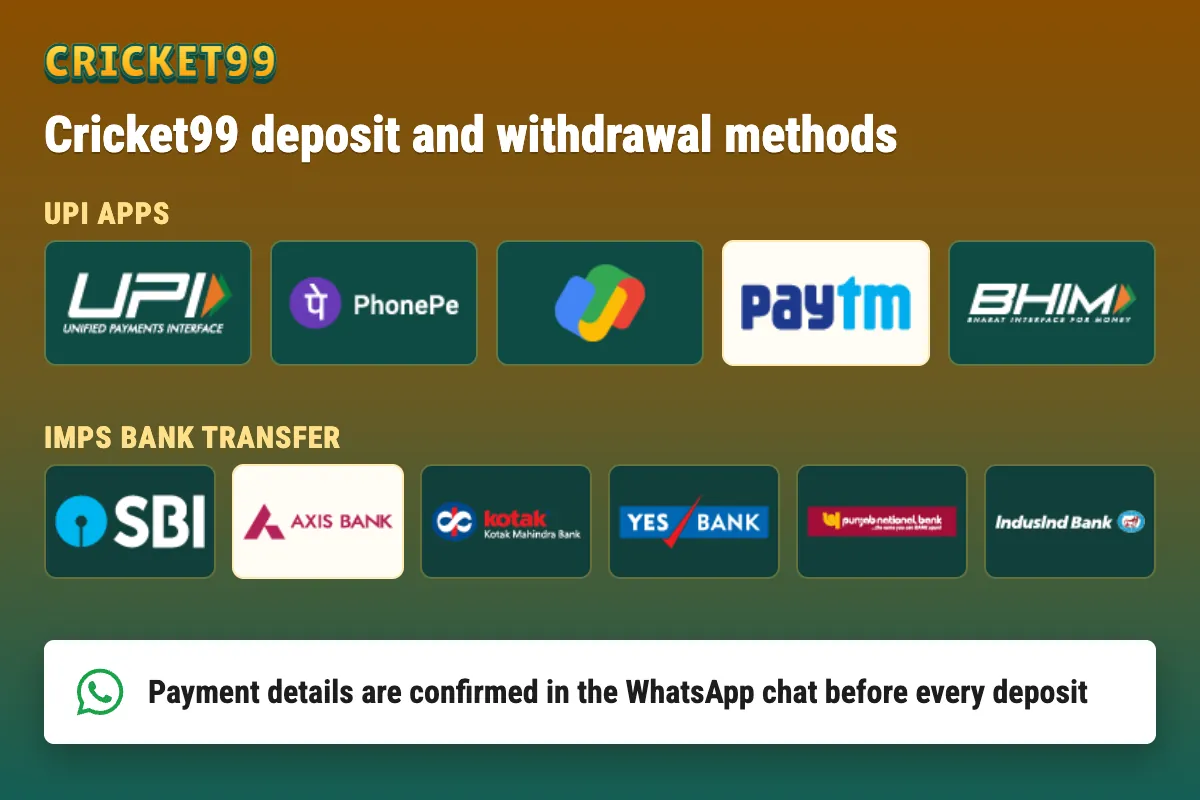
- Ask the desk for payment details in the chat, every time.
- Pay the amount agreed, by the method the desk confirmed.
- Send the transaction reference (UTR) in the same chat.
- Wait for the desk to confirm the credit before paying again.
If a payment shows as pending or the balance has not arrived, share the reference and wait; paying a second time can leave two payments to sort out. If the desk sends payment details that differ from last time, confirm the change in the same chat before paying. The minimum deposit is stated by the desk before any transfer.
Cricket99 withdrawal
A withdrawal request is sent in the same chat with the amount and the receiving UPI ID or bank account, ideally in your own name. Withdrawals run 24/7 and are paid instantly once the desk confirms the request; the minimum withdrawal is stated by the desk.
If a withdrawal shows as pending, check the chat for the desk’s confirmation, keep the reference, and ask the desk for a status update, which is available 24×7; several new requests for the same amount only slow the check down.
Cricket99 demo ID and real ID
The Login with Demo ID button on the tested login screen opens a demo with play money. Nothing won in a demo can be withdrawn and nothing deposited is at risk; a real ID comes only after the KYC check and the first deposit. The demo is worth ten minutes for anyone new to Bookmaker and Fancy markets, because a misread market costs real money on a live ID.
Cricket99 ID rules
An ID is not transferable. Buying an ID from a third party, or sharing one with a friend, breaks the verification the ID rests on and leaves the balance without a recognised owner if a dispute arises. The responsible gaming page covers deposit limits and how to take a break from an ID.