
Cricket99 App Download Help
The Cricket99 app is an Android APK file, not a Play Store app. Your desk tells you which file is right for your ID. On iPhone there is no app to install; the panel runs in Safari.
Not sure which APK is genuine? Ask the desk before installing anything.
Ask for the Cricket99 APK on WhatsAppWhere the Cricket 99 APK comes from
The panel login screen checked on 22 September 2026 showed a Download .apk button, but screens and files differ by address, and no APK is published on this site. Ask the desk which file source matches your ID before downloading; copies uploaded elsewhere can be old builds or modified builds.
Download sites list an app called Cricket99 Live Line Score, which is a cricket score app from another developer and does not open a betting ID. The app also needs an ID first; a new ID comes from the desk, as the Cricket99 ID page explains.
Cricket99 app download and install on Android
The menu names below follow stock Android, and phones from Xiaomi, Vivo or Samsung place the same setting under slightly different labels.
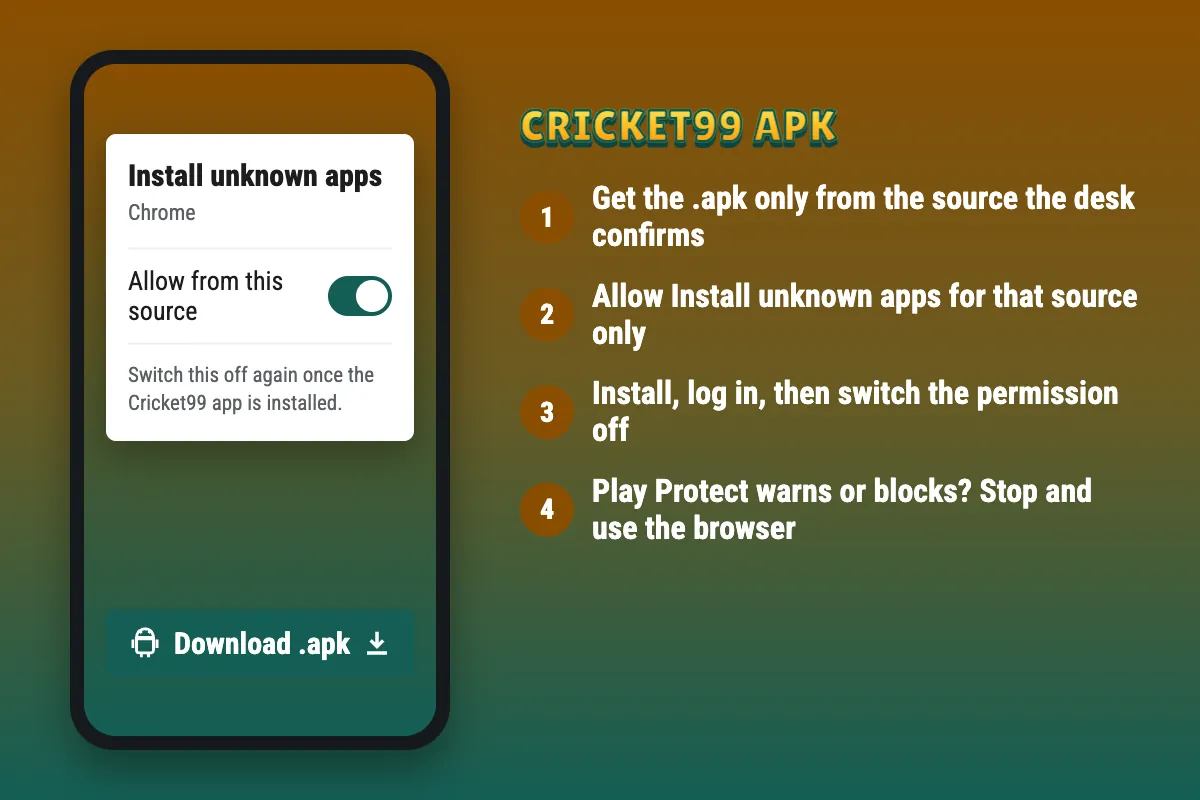
- Download the APK only from the source the desk confirms, and let the download finish.
- Open the file from the download notification or the Files app.
- If Android asks, allow Install unknown apps for that browser or file manager only.
- If Google Play Protect shows a warning or blocks the app, stop here and use the browser instead.
- Otherwise tap Install, then Open, and log in with the User Name and Password from the chat.
- Go back to Settings and switch Install unknown apps off again for that source.
Play Protect warnings and unknown-source permission
Two different Android messages appear around an APK. The Install unknown apps prompt appears for any file installed outside Google Play; it is a permission request, not a verdict on the file. A Google Play Protect warning or block is different: Google’s checks have flagged the app as possibly harmful.
If Play Protect warns about or blocks the Cricket99 APK, stop the installation and do not bypass the warning. Use the panel in the browser, and ask the desk to resolve the warning or supply a file that passes. Google explains how Play Protect works on its Play Protect help page.
Cricket99 app for iPhone
An APK cannot be installed on an iPhone, and an iOS profile or certificate offered in place of an app deserves refusal, since it can grant broad control of the device. The panel works in Safari: open the current address, tap Share, and choose Add to Home Screen to place a Cricket99 icon that opens the panel directly.
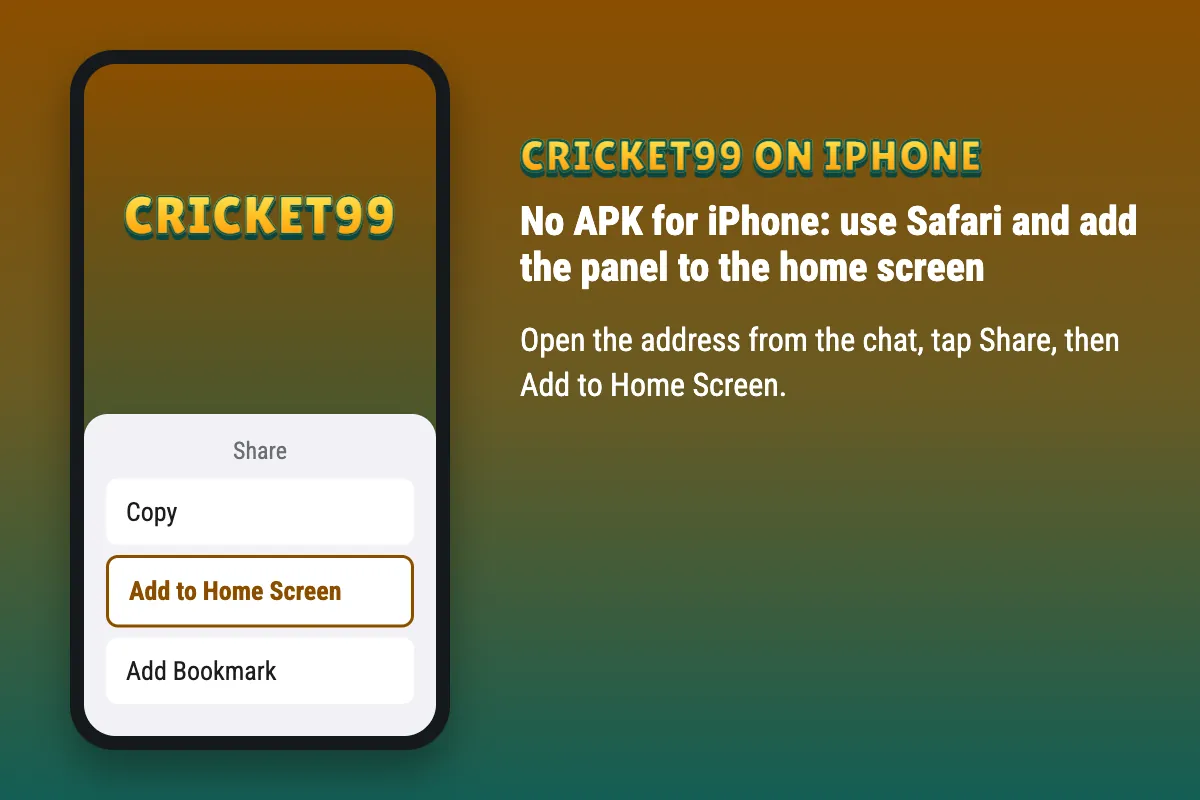
Cricket99 without the app: the browser route
On Android the same route works in Chrome for anyone who would rather not install an APK: open the address from the chat, then use Add to Home screen. A shortcut never needs an update; when the address changes, replace it with the new one from the desk. The same ID the desk issued works in the browser.
Checks before trusting any Cricket99 APK
These checks lower the risk; none of them proves that a file is safe.
- Source. The file came from the source the desk confirmed, not from a group, a social media post or a download site.
- Permissions. An exchange app has no reason to read SMS, contacts or call logs or to take accessibility control; an APK that asks for these should be deleted.
- Play Protect. A Play Protect warning or block is a reason to stop, not something to switch off.
- Login screen. The tested login screen asked only for a User Name and Password; an app that asks for an OTP, card number or UPI PIN at login should be deleted.
- After install. Open Settings, then Apps, tap the app and open Permissions. If SMS, Contacts, Call logs or Phone shows as allowed, uninstall it. Then check Settings, Accessibility: the app should not appear there with access switched on.
Cricket99 app not working
Install and startup faults follow a few patterns.
- App not installed. An older Cricket99 build is on the phone; uninstall it, then install the new file.
- There was a problem parsing the package. The download stopped early or the file does not suit the phone; download it again on a stable connection.
- Blank screen or an old address opens. The address inside the app may be retired; ask the desk for an updated APK or use the current address in the browser.
- Login fails only in the app. Clear the app’s cache in Settings, or log in through the browser to confirm the password; the Cricket99 login errors list covers the rest.