Payment support
Cricket99 Payment Help For UPI, Paytm, GPay, PhonePe And IMPS
Use this guide for Cricket99 deposit help, withdrawal help, payment pending status, payout timing questions and method-specific support.
Support buttons open a managed help path. Do not type your password into random forms or send sensitive details before the support flow is clear.
Cricket99 Payment Help
Payment support needs careful language. Users may ask about UPI, Paytm, GPay, PhonePe, IMPS, deposit pending, withdrawal status or payout timing, but no page should promise instant settlement or print raw payment details.
The right payment request includes method, approximate time, status, transaction reference and a safe screenshot if needed. The wrong request mixes passwords, OTPs and payment details in one rushed message.
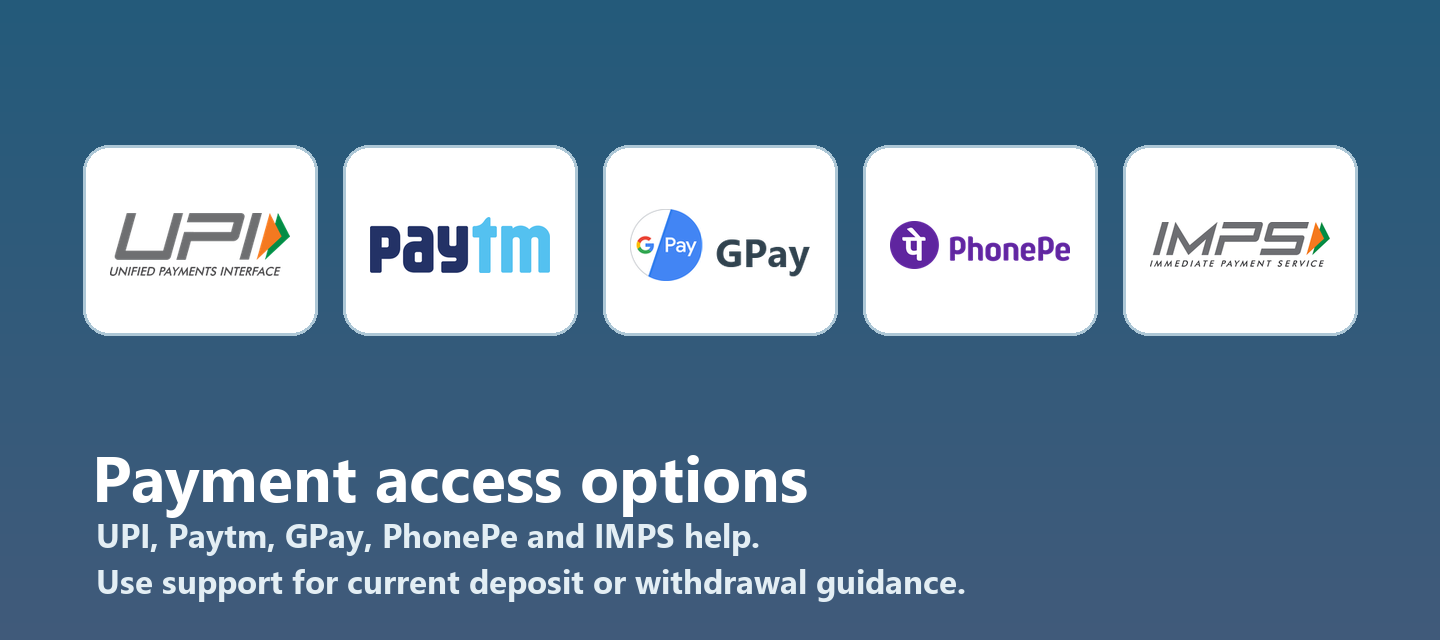
Use this guide to understand what to keep ready before asking Cricket99 support. Payment method logos are shown for recognition only. Always follow current support guidance for the active flow.
UPI help
Keep UPI status, reference and time ready before asking support to check a payment.
Paytm help
Mention Paytm only as the method and avoid sharing wallet-sensitive details unless clearly needed.
GPay and PhonePe
Share the method, status and reference without exposing unrelated private information.
IMPS help
For bank transfer style support, keep timing and reference details clear.
Step By Step Help
Identify the method
State whether the issue is UPI, Paytm, GPay, PhonePe, IMPS or another supported route.
Collect proof safely
Keep reference, time, amount status and screenshot ready, but hide unrelated private data.
Open support once
Send one clear payment support message instead of many repeated unclear requests.
Wait for verification
Payment status may need checking. Do not assume a payout timing until support confirms the case.
Common Problems And The Right Support Path
| Situation | Best next step | What to avoid |
|---|---|---|
| Deposit pending | Send method, time, reference and status screenshot. | Do not send another payment before checking status. |
| Withdrawal pending | Ask support for status using account and request context. | Do not expect a public page to verify payout timing. |
| UPI failed | Check bank app status and share the reference if debited. | Do not share UPI PIN or sensitive codes. |
| GPay or PhonePe issue | Share method and transaction status only. | Do not send unrelated wallet details. |
| Paytm status unclear | Ask payment support with time and reference. | Do not rely on old screenshots for routing. |
| IMPS delay | Keep bank reference and timing ready. | Do not treat every delay as account login trouble. |
Detailed Customer Scenarios
Cricket99 Payment Help works best when the user writes a short, specific support message. Useful context includes the device, app or browser route, account status, payment method if relevant, exact error text and approximate time. Passwords, OTP codes, wallet PINs and unrelated private details should stay out of the first message unless the current support flow clearly explains why a verified action is needed.
Most Cricket99 users arrive from mobile, so small details matter. A broken app, an old bookmark, a browser redirect, a network change or a pending update can all look like the same problem from the outside. Before trying random links, compare the issue with the guidance here, choose the closest support category and use the managed Cricket99 support path.
The related checks are also important. UPI help: Keep UPI status, reference and time ready before asking support to check a payment. Paytm help: Mention Paytm only as the method and avoid sharing wallet-sensitive details unless clearly needed. GPay and PhonePe: Share the method, status and reference without exposing unrelated private information. IMPS help: For bank transfer style support, keep timing and reference details clear. Identify the method: State whether the issue is UPI, Paytm, GPay, PhonePe, IMPS or another supported route. Collect proof safely: Keep reference, time, amount status and screenshot ready, but hide unrelated private data. Open support once: Send one clear payment support message instead of many repeated unclear requests. Wait for verification: Payment status may need checking. Do not assume a payout timing until support confirms the case. These are not separate theories for the user to remember. They are practical clues that help support decide whether the case belongs to login, app access, ID setup, payment status, safety or responsible gaming.
A stronger Cricket99 support request also names what has already been tried. If the user cleared browser data, restarted the app, checked a payment reference, waited for a status update or confirmed an ID earlier, that information should be included. It prevents repeated advice and keeps the next response focused on the actual blocker. It also helps support see whether the issue is new, recurring, device-specific or connected to another account action. Clear history reduces guesswork.
When the situation is deposit pending, the better route is to send method, time, reference and status screenshot. The main mistake to avoid is this: do not send another payment before checking status. A Cricket99 user should slow the request down, keep the issue in one support thread and send only the details that match the case.
When the situation is withdrawal pending, the better route is to ask support for status using account and request context. The main mistake to avoid is this: do not expect a public page to verify payout timing. A Cricket99 user should slow the request down, keep the issue in one support thread and send only the details that match the case.
When the situation is upi failed, the better route is to check bank app status and share the reference if debited. The main mistake to avoid is this: do not share upi pin or sensitive codes. A Cricket99 user should slow the request down, keep the issue in one support thread and send only the details that match the case.
When the situation is gpay or phonepe issue, the better route is to share method and transaction status only. The main mistake to avoid is this: do not send unrelated wallet details. A Cricket99 user should slow the request down, keep the issue in one support thread and send only the details that match the case.
When the situation is paytm status unclear, the better route is to ask payment support with time and reference. The main mistake to avoid is this: do not rely on old screenshots for routing. A Cricket99 user should slow the request down, keep the issue in one support thread and send only the details that match the case.
When the situation is imps delay, the better route is to keep bank reference and timing ready. The main mistake to avoid is this: do not treat every delay as account login trouble. A Cricket99 user should slow the request down, keep the issue in one support thread and send only the details that match the case.
Payment Support Details That Matter
Payment help should focus on status and verification. A user needs to know what details support can use, what details should stay private and why timing can vary by method, bank, network or account status.
UPI, Paytm, GPay, PhonePe and IMPS names should appear in clean payment visuals and text because users recognize those methods quickly. The logos should be real shared assets, not AI-generated approximations.
Never share UPI PINs, wallet passwords, OTP codes or full private bank details in a public form. Support may ask for a transaction reference or screenshot, but that is different from asking for sensitive login credentials.
A pending deposit and a pending withdrawal are different cases. Deposits usually need method, time and debit status. Withdrawals may need account context, request time and current status. Keep those messages separate.
If payment status and login access are both failing, start by stabilizing account access. Support can check payment more clearly when the ID and account path are confirmed.
No public content should promise a fixed payout time. It is better to explain the verification process and tell users what information makes the support check faster.

More Cricket99 Help
Cricket99 login help
Use this when the account already exists and access is failing.
Cricket99 app access
Use this when app access, APK guidance or mobile browser fallback is needed.
Cricket99 registration
Use this when a new Cricket99 ID or first login setup is required.
Cricket99 ID guide
Use this to understand existing ID, new ID and demo ID support.
Cricket99 support
Use this for reset, account locked, app not opening and payment questions.
Cricket99 safety guide
Use this before trusting a link, APK, login screen or support contact.
Cricket99 Payment FAQ
Which payment methods are mentioned for Cricket99 help?
UPI, Paytm, GPay, PhonePe and IMPS are included in the payment help section.
What should I send for deposit pending help?
Send method, time, reference and status screenshot if safe.
What should I send for withdrawal help?
Send account context, request time, current status and any reference support asks for.
Can this website verify my payment directly?
No. Use support for payment status checks.
Should I share my UPI PIN?
No. Never share UPI PINs, wallet passwords or OTP codes.
Are payout timings promised here?
No. Payment timing can vary and must be checked through support.
Can payment and login issues be connected?
Sometimes account status affects payment support, so clarify the account first if access is failing.
Why use real payment logos?
Clean real logos help users recognize methods without relying on fake generated payment text.